Hi Learners,
In this article, we are going to setup Remote Desktop acess to the Kali Machine.
Just for out of curiosity, I wanted to access kali VM in my another laptop from other laptop. To set the things up, we need to install remote desktop server on Kali machine, and enable it to accept remote desktop client.
## Get an updated list of installable packages
apt-get update

# Install the RDP server
apt-get install xrdp

# Start the base XRDP server
systemctl start xrdp

#Start the XRDP session manager
systemctl start xrdp-sesman
Also, Enable the xrdp during power up:
systemctl enable xrdp

systemctl enable xrdp-sesman
Reboot the Kali machine, and then try connecting from Remote Desktop in mac.
Add new PC, write the IP, and username, password. Then, we can have remote connection to Kali machine on another Host, from other machine.
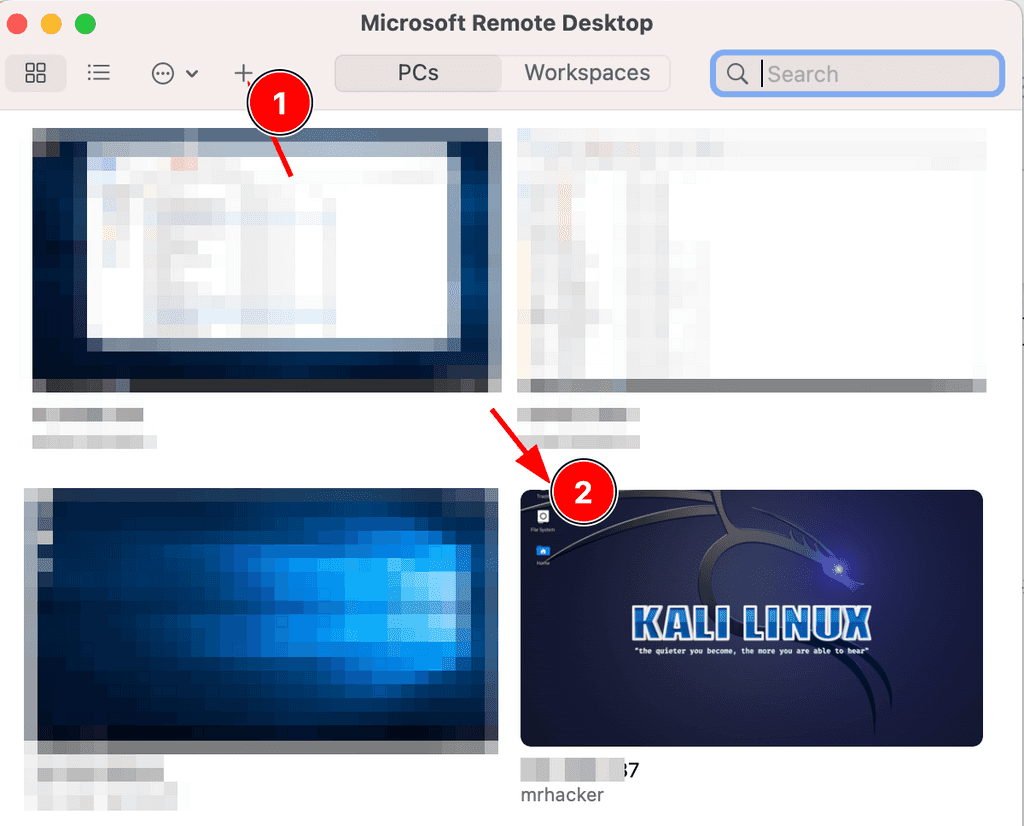
In this way, we can connect through Remote desktop to the Kali machine on another host laptop.
Thank you for reading.