
I have Alcatel A3 5046U android device, very old, doesn't have Type-C charging port, neither supports ADB connection over wifi, and is running Android 6.0.
I got a bizarre idea of converting this old guy into my exit node for Tailscale VPN setup, thus, I could just let it be anywhere and I can browse internet through it. (I tried installing directly the Tailscale client on Router -- but hell no).
Lol, even funnier is, I just found out that I couldn't even connect to my phone HotSpot network on this device as Wifi. My University WAN wasn't working since 3-days. Out of frustration, I remembered accidentally looking one 'google-term' that people were searching for "how to access internet via bluetooth". I did remember this well, because at that very moment, I thought, "What? You can browse internet through bluetooth? niceee". Because, I had only shared files via bluetooth.
Lol, it would than allow me to connect to internet via wifi even on those devices which doesn't have wifi in it (eg. Nokia 5300 model -- luckily, my first phone ;) and yes, I do still miss those days ).
Anyway, no, you can't connect to internet via Bluetooth on all-kinds of devices. The device itself also needs to support "Use for Internet" options on it's Bluetooth setting.
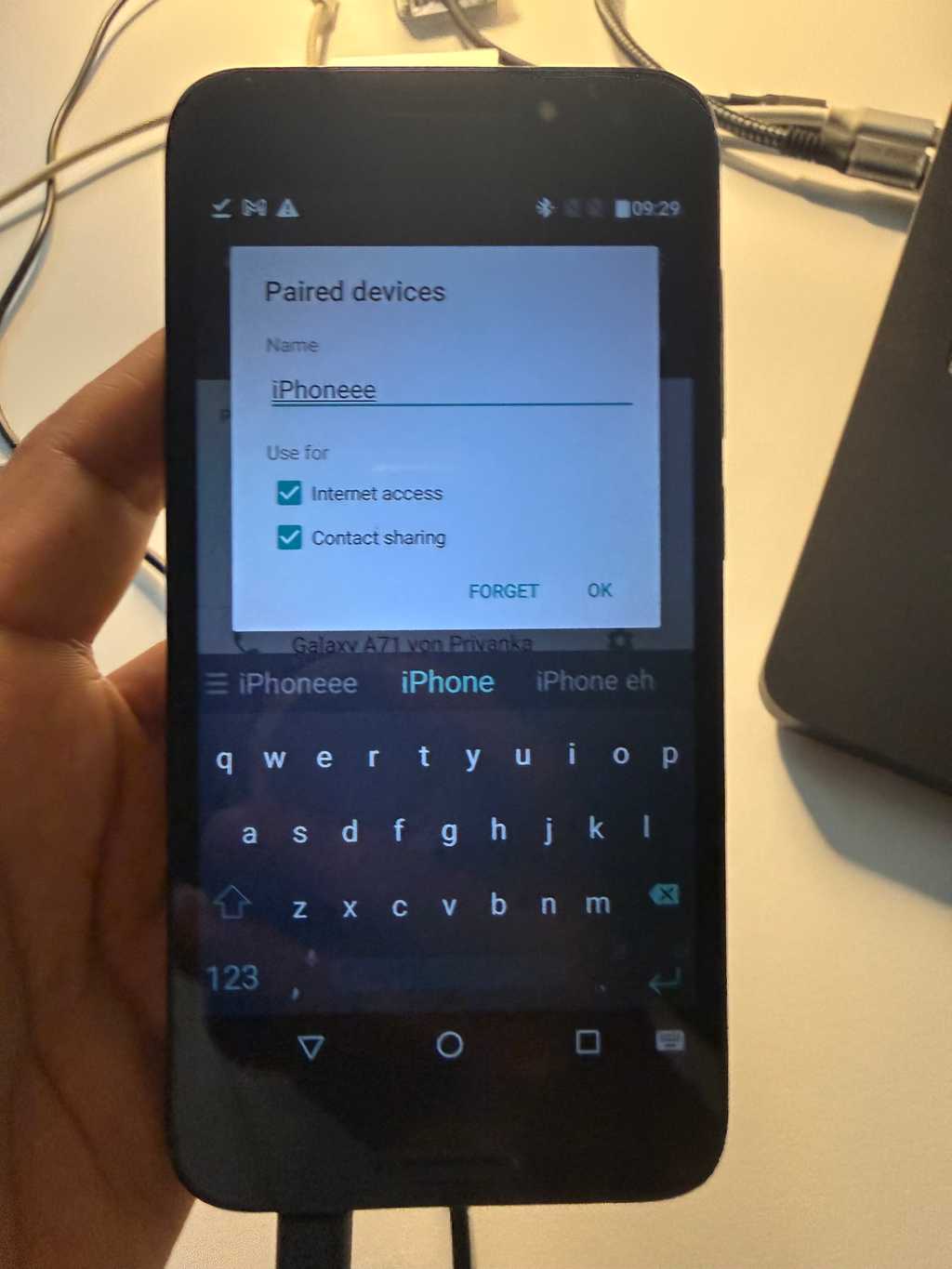
Good, at least my Alcatel A3 supports Bluetooth Internet. Hence, I now can internet on it.
Next, to install Tailscale Android Client. Woof, official Tailscale Android only support Android 8.0 or later. Anyway, I duckducked any way to have Tailscale client on Android 6.0, there were few discussions - #1, #2, but none helped me. So, best way for me would be to find older version of Tailscale Android client natively supported for Android 6.0.
I got one here. I browsed internet from my Bluetooth tethering, and then downloaded the earliest version that supports android 5.1+, for me it was.
Okay, download succeeded, and I installed it.
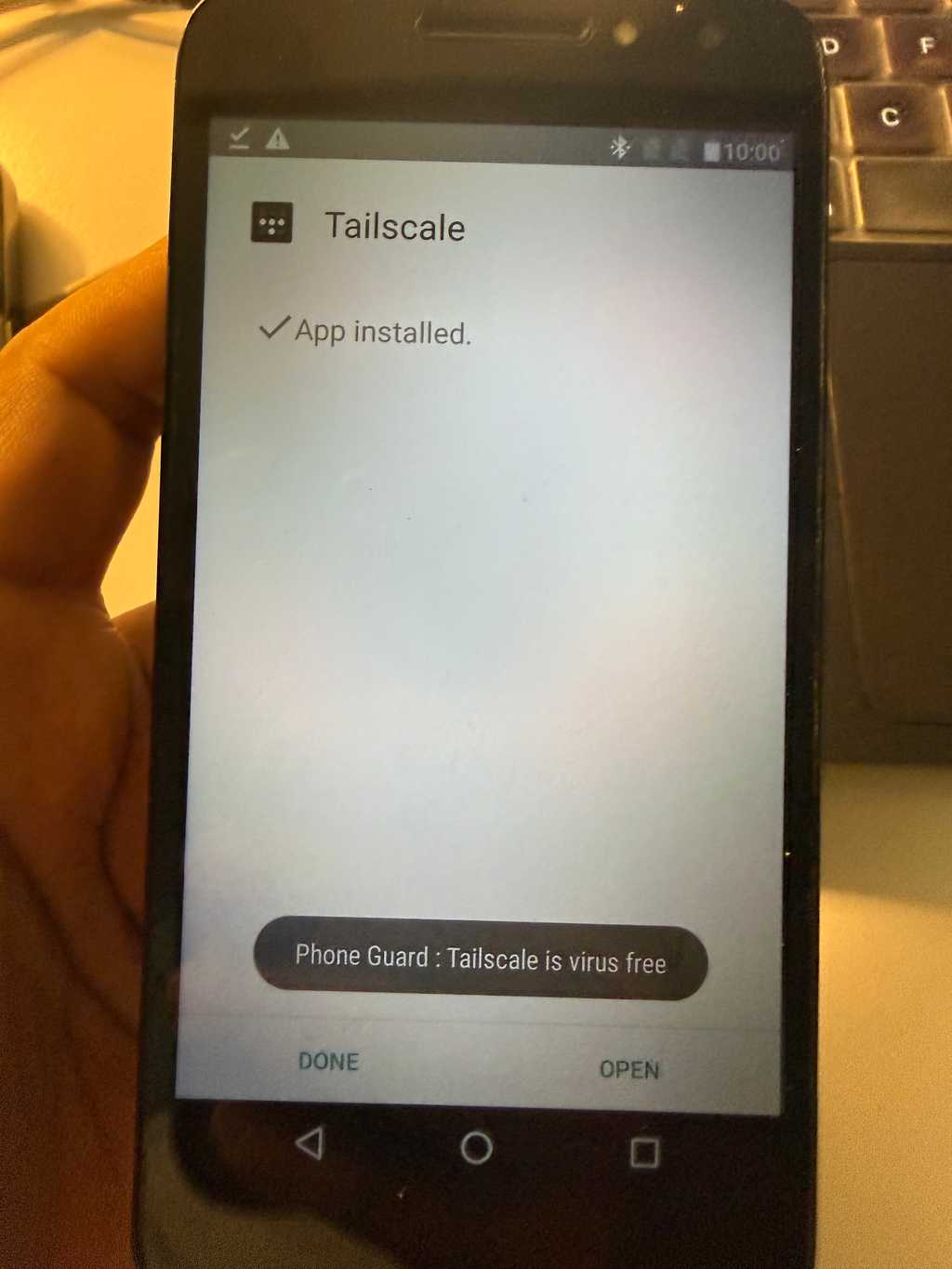
Then, the most awaited moment for me was: to add this device to my Tailscale network and then enable run as exit node.
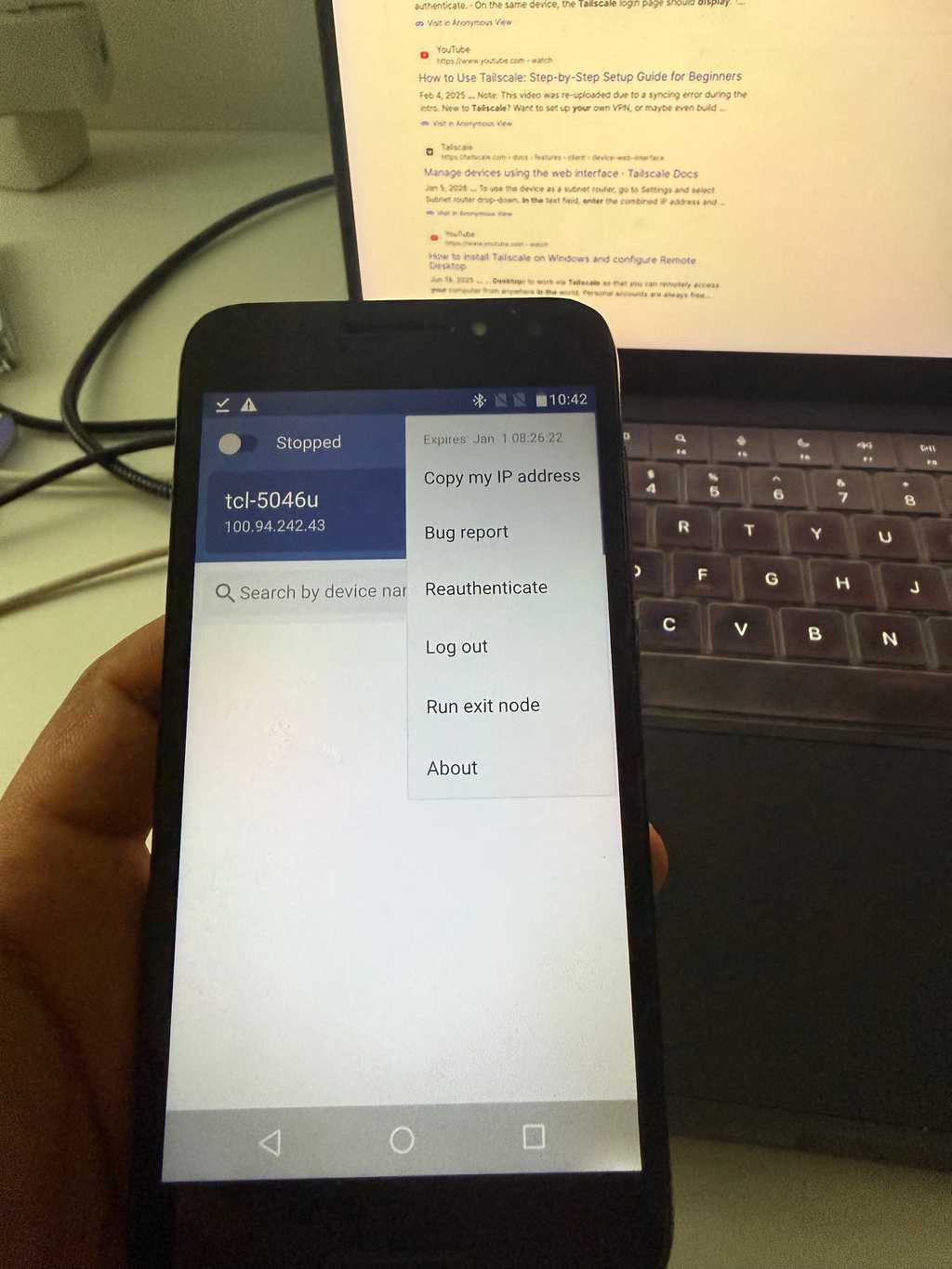
I logged in to an account which is admin on my tailscale network.
But, I was fucked up, there is no way I can add this device to my tailscale network. Now, I don't know how can I add this to my network. There seems no way.
I don't know what "Input the code on your screen" means or what is the code here?
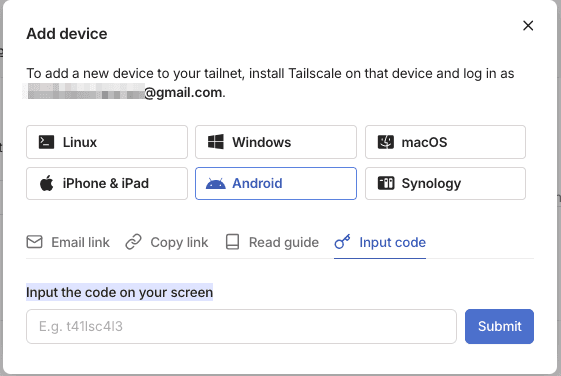
Been ~3 hours, I am tinkering in it. Let's see if I could add it or not. I will update this post as if I could achieve so.
Update (after ~40 minutes): olalala, voilaaaa... I did find a way.
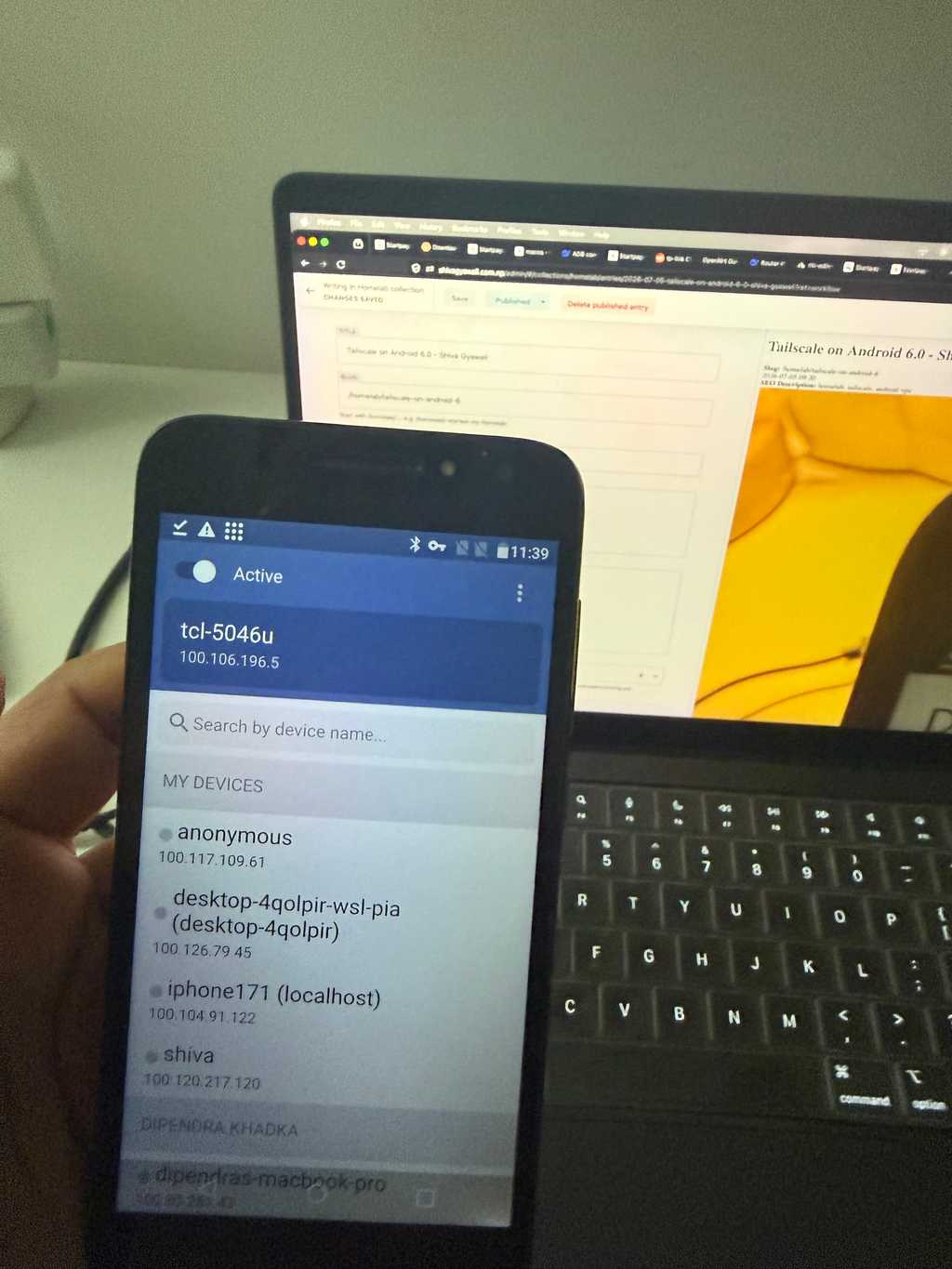
So, now I can run this device as Exit Node, and voilaa... I loved it.
How I did it?
I logged out, and there was just two options for login on 1.62, one way is Login with google and another way was Other options. I chose other options, and it opened in browser and below it, I could see, login with QR code.
Voilaa, I scanned QR code from my main account device, and voilaa.. it is added to my Tailscale network.
To be complete, I enabled this device as Exit node (from settings as well) and then tested if it works or not. Yes, it does.
Happy homelabbing.... :)