
We have so many things are available to know with just little knowledge if a website is wordpress. Thus, in this article, I am listing out some ways to secure our Wordpress Site.
-
Login page Error message
Go to your theme's functions.php onyour-site-path/wp-content/themes/activated-theme/functions.php, then just add these code on this file:add_filter('login_errors','login_error_message'); function login_error_message($error){ //check if that's the error you are looking for $pos = strpos($error, 'incorrect'); if (is_int($pos)) { //its the right error so you can overwrite it $error = "Wrong information"; } return $error; }After saving this change, our login error information will be "Wrong information" as:
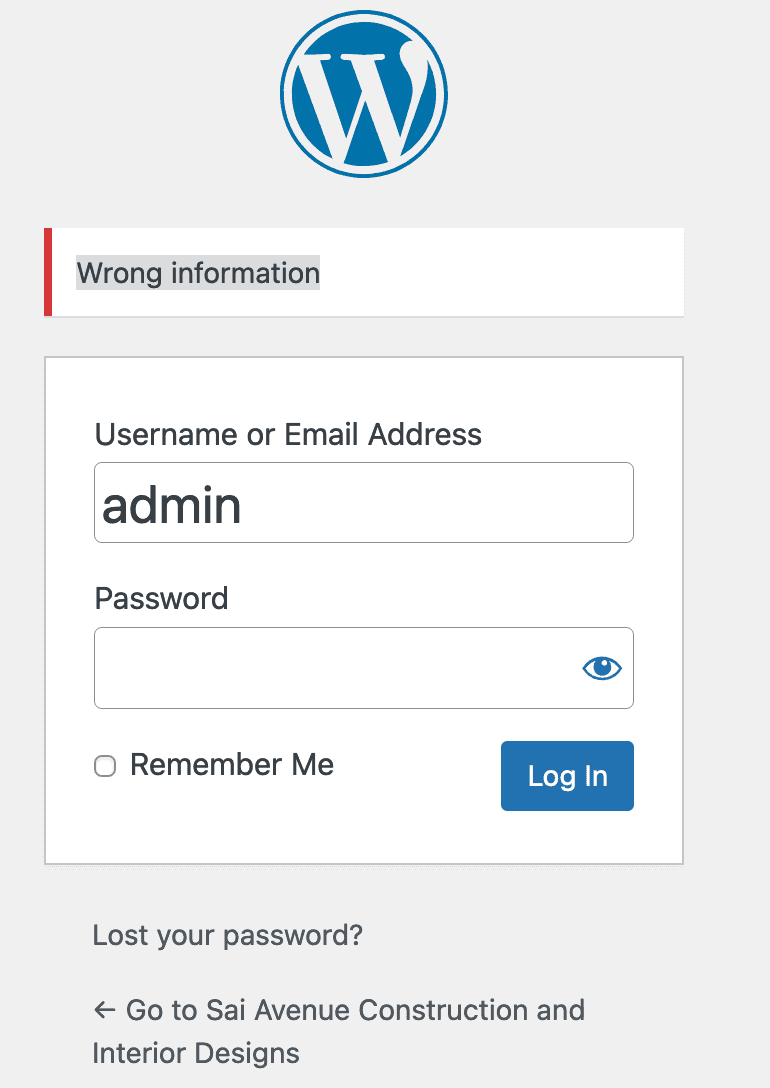
Showing our custom login error message.
Resources: -
Login page Directory access restriction
-
wp-json API restriction
Add this code to your theme's functions.php:./wp-content/themes/astra/functions.phpadd_filter( 'rest_authentication_errors', 'rudr_turn_off_rest_api_not_logged_in' ); function rudr_turn_off_rest_api_not_logged_in( $errors ) { // if there is already an error, just return it if( is_wp_error( $errors ) ) { return $errors; } if( ! is_user_logged_in() ) { // return WP_Error object if user is not logged in return new WP_Error( 'no_rest_api_sorry', 'REST API not allowed', array( 'status' => 401 ) ); } return $errors; }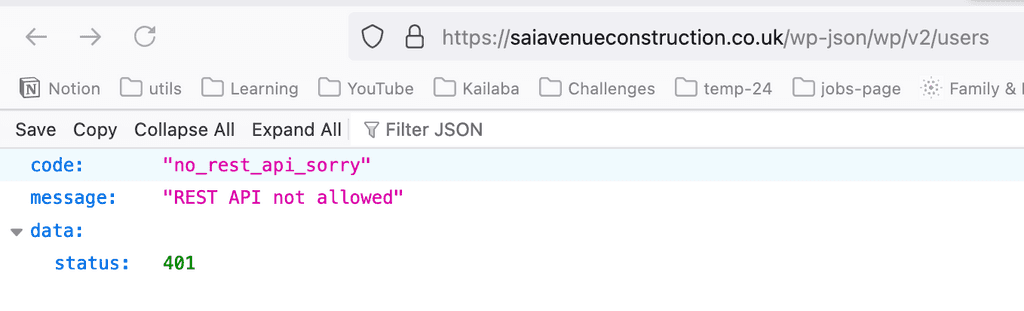
Restricing Rest api access.
If you want to visit my client's site: https://saiavenueconstruction.co.uk -
I will add more, as I explore myself.
I host my websites using babal host service. If you are looking for efficient hosting, I genuinely recommend based on my own experience:
